TL;DR
Local search visibility for Medicare agents is built in three places: a fully completed Google Business Profile, a steady flow of recent reviews you respond to, and a fast, mobile-friendly site that answers the natural-language questions seniors actually type. None of it requires paid ads to start.
Why it matters
Why local search is now the front door
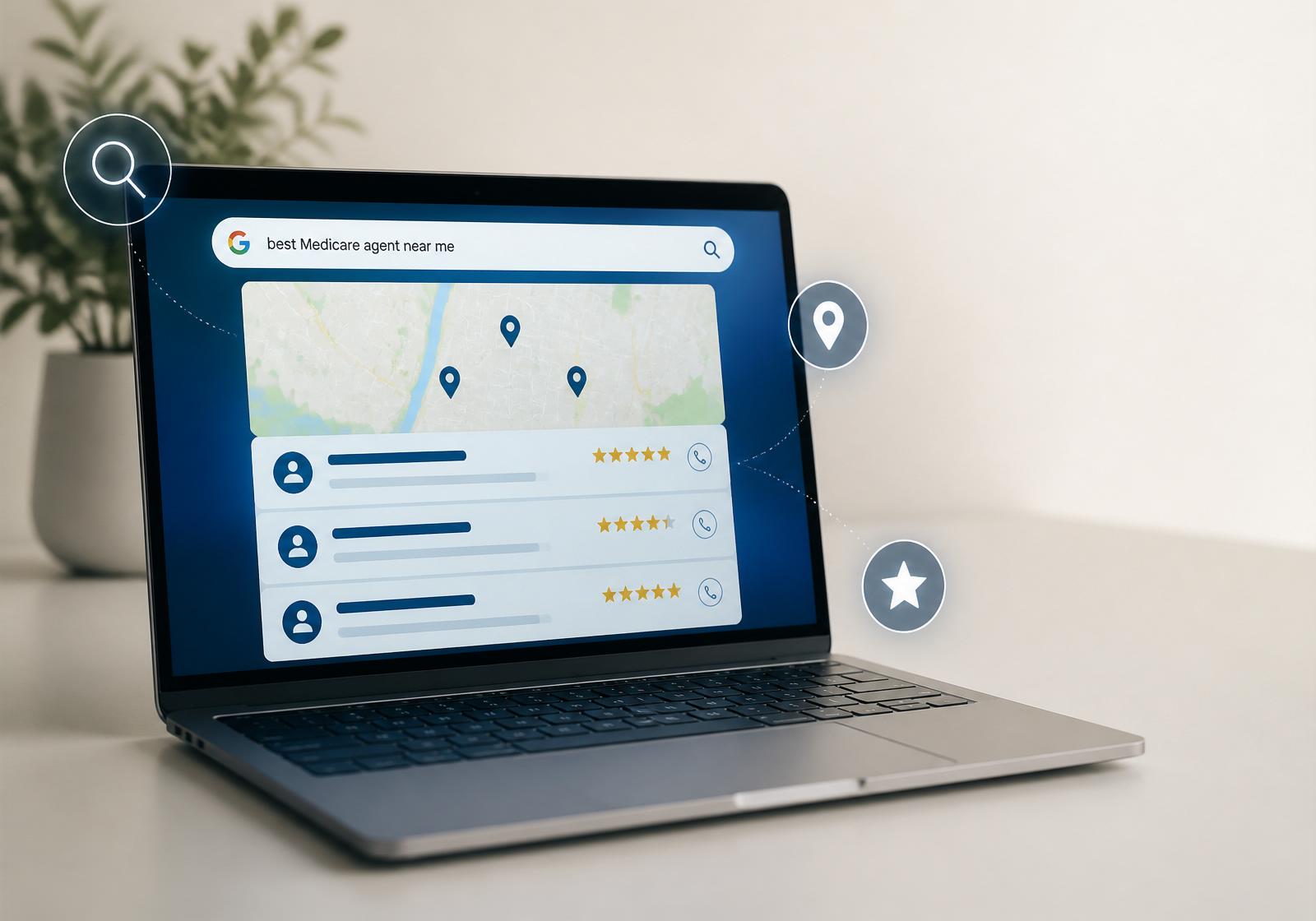
The Medicare buyer journey of 2026 doesn't start with a phone book, a mailer, or a referral call. It starts with a Google search — usually on a phone, usually in natural language, usually before the prospect ever picks up the phone.
If your agency isn't visible in the local 3-pack with recent reviews and a fast mobile experience, the comparison is over before it begins. Search visibility is now the prerequisite to every other marketing dollar you spend.
0%
of seniors research online before contacting an agent
Pew Research, AARP digital behavior studies — 2024-2025
How clients actually search today
Seniors don't search the way agencies write. They don't type 'Medicare Advantage broker' — they type questions, in full sentences, often with a location attached. The agencies that win are the ones that map their site to the literal language buyers use.
A few of the patterns we see most often in 2026:
• 'Who is the best Medicare agent near me?'
• 'Find help with Medicare in my area'
• 'Medicare plans for seniors near me'
• 'Local Medicare expert with good reviews'
• 'Help choosing a Medicare plan'
Each of these is a page you can build, an FAQ you can answer, and a Google Business Profile field you can fill in.
The five visibility pillars
Google Business Profile
Your single most valuable free real-estate. A complete, verified profile is the foundation of local pack rankings, map visibility, and brand searches.
- Claim and verify the profile (mail or video verification)
- Fill every category, service, and service-area field
- Upload 10+ high-quality photos of the office, team, and signage
- Set accurate hours including AEP extended hours
- Add a CMS-compliant short description and contact info
Tooling note · Any agent can manage GBP directly at no cost. Avoid third-party 'GBP optimization' services that charge monthly for what you can do in an afternoon.
Reviews & response cadence
Reviews are both a ranking signal and a trust signal. Recency, volume, and your response behavior all factor into how Google ranks and how prospects judge.
- Ask every satisfied client for a review within 7 days of enrollment
- Send a one-click review link via SMS, not a long URL
- Respond to every review — positive or negative — within 48 hours
- Never offer incentives or 'gate' reviews by rating
- Aim for a steady drip (2-5/month) rather than batches
Tooling note · Most modern CRMs can automate the post-enrollment review request. Manual works too — what matters is the cadence, not the tool.
Helpful, question-answering content
Pages built around the questions seniors actually ask outrank generic 'Medicare plans' pages every time. Answer engine optimization (AEO) is now as important as classic SEO.
- Build one page per high-intent question (e.g. 'How do I switch Medicare plans?')
- Use plain-English headings that mirror voice search queries
- Add FAQ schema to every Q&A page
- Refresh content annually before AEP
- Link related questions together for topical depth
Tooling note · Schema markup is free and dramatically improves how Google and AI assistants surface your answers. Any modern CMS can add it.
Clear, compliant contact CTAs
Visibility without conversion is wasted traffic. Every page should make the next step obvious and one tap away — within CMS marketing rules.
- Place click-to-call above the fold on every page
- Offer a 'Request a no-cost review' option (CMS-compliant language)
- Avoid 'enroll now' or 'free Medicare' language — those flag
- Include disclaimer language in the footer of every page
- Make the booking flow under 30 seconds on mobile
Tooling note · Verify CTA language against the current CMS Medicare Communications & Marketing Guidelines (MCMG) annually — wording rules change.
Mobile speed & compliance
Google indexes the mobile version of your site first and demotes slow pages. For Medicare specifically, accessibility and CMS compliance are also ranking-adjacent considerations.
- Score 90+ on Google Lighthouse mobile performance
- Use 16px+ body text and high-contrast colors
- Compress hero images (WebP or AVIF, < 200KB)
- Defer non-critical JavaScript
- Confirm WCAG 2.1 AA contrast for senior accessibility
Tooling note · PageSpeed Insights and Lighthouse are free. Most agency sites can hit the 90+ mobile target with image compression and font cleanup alone.
Local citations & directory consistency
Beyond Google, Medicare buyers and their adult children cross-check agencies on directories, state DOI lookups, and senior-focused sites. Inconsistent name, address, or phone (NAP) across those listings quietly suppresses your local pack rank.
- Audit your NAP on Yelp, BBB, Bing Places, and Apple Maps
- Claim your listing on senior-focused directories (e.g., SeniorLiving, Caring.com)
- Confirm your name and license info on your state DOI broker lookup
- Fix every variant — 'Suite 100' vs 'Ste 100' counts as inconsistent
Tooling note · A free quarterly manual audit is enough for a single-location agency. Paid 'citation builders' are rarely worth it for Medicare specifically.
What 'found' actually looks like
Timeline
How to claim and optimize your Google Business Profile this week
Step 01
Day 1 — Claim
Go to google.com/business and search for your agency. If it exists, claim it; if not, create it. Choose video verification when offered — it's faster than postcard.
Step 02
Day 2 — Categories & services
Set primary category to 'Insurance Agency' and add secondary categories for 'Insurance Broker' and 'Medicare Insurance Agency.' Add every service line (Medicare Advantage, Part D, supplements, etc.).
Step 03
Day 3 — Photos & video
Upload at least 10 photos: exterior signage, interior office, team headshots, and a few action shots. Add a 30-second intro video if possible — these dramatically increase profile engagement.
Step 04
Day 4 — Hours, attributes, description
Set regular hours, mark AEP extended hours under 'special hours,' add attributes like 'wheelchair accessible' and 'appointments required,' and write a 750-character description in plain, compliant language.
Step 05
Day 5 — Q&A & posts
Seed your own Q&A section with the 5 most common questions you get. Publish your first GBP Post — an evergreen 'How AEP works' update — and schedule monthly posts going forward.
Step 06
Day 6 — Review request system
Build a one-click review link (g.page/r/...) and a short SMS template. Send it to your 10 happiest recent clients. This is your steady-drip foundation.
Step 07
Day 7 — Audit & monitor
Search your agency name on a logged-out mobile device. Confirm the profile is complete, the local pack shows you, and the review request link works end-to-end.
If your agency isn't visible in those moments, you're already behind.
Local visibility — week-one checklist
Key takeaways
- The Google local 3-pack is where the Medicare buyer journey now starts — being absent there costs more than any paid channel.
- Reviews aren't vanity — they're a ranking signal, a trust signal, and a CMS-compliant social proof source when handled correctly.
- Mobile speed, click-to-call, and clear next steps convert local search traffic into booked appointments. Slow sites lose the click.
- AEO (Answer Engine Optimization) matters: structure your site around the literal questions seniors ask, not industry jargon.
- Visibility compounds. Agencies that invest in Q2 and Q3 own the local pack by October — Q4 is too late to start.
Frequently asked
FAQs
- Do Medicare insurance agents need a Google Business Profile?
- Yes. A complete, verified Google Business Profile is the single highest-leverage local SEO asset for a Medicare agent. It controls how your agency appears in Google Maps, the local 3-pack, and brand searches — and it's free.
- How many Google reviews does a Medicare agency need to rank in the local pack?
- There's no fixed threshold, but credibility starts to compound around 20–30 recent, authentic reviews with an average rating above 4.5. Recency and response cadence matter more than raw count — a steady drip beats a one-time push.
- Is it okay to buy Google reviews or offer incentives for them?
- No. Paid or incentivized reviews violate Google's policies and, depending on framing, CMS marketing rules. The downside is severe — listing suspension, ranking penalties, and compliance exposure. Ask satisfied clients directly and make it easy with a one-click review link.
- What's the fastest local visibility win before AEP?
- Claim and complete your Google Business Profile this week — every category, every service, every photo, every hour. That single move typically moves agencies into the local 3-pack within 2–4 weeks if competitors haven't done the same.
- How do seniors actually search for a Medicare agent online?
- Conversationally. 'Best Medicare agent near me,' 'help with Medicare in [city],' 'Medicare plans for seniors,' and 'local Medicare expert with good reviews' are common patterns. Build your pages around those literal questions, not around carrier or product names.
- Does my Medicare agency website need to be mobile-friendly to rank?
- Yes. Google indexes the mobile version of your site first and demotes slow or unusable mobile pages. For Medicare specifically, large readable text, high contrast, and a click-to-call button above the fold are table stakes.
Authoritative sources
Related reading
From the printed guide
This lesson's one-pager
Preview the printed page for this lesson, or download just this page as a standalone PDF.
From the 2026 Readiness Guide
Lesson 05 — printable one-pager
Keep going

.png)